Visibility level
Visibility level option refers to a setting that controls the audience who can view a particular item within the relationsip or a user within the platform. This could include restricting access to certain items by other companies or even making the item completely public or private. You can also control who can see your account.
There are three levels of visibility:
| Visibility level | Description |
|---|---|
private |
only visible for other members of your company |
partners |
visible for other members of your company and any other company in your partnership |
public |
visible for anyone in the platform |
Visibility level restrictions
Visibility level of an item can not be higher than visibility level of the user owning the item. Meaning if your profile is set to be visible only for partners than maximum visibility level you can set for the items in your ownership is also a partners.
How to?
Here you will find an tutorials how to change visibility level of items and your profile. First step is to login to your organisation account in Neighbourhood Manager here.
Change visibility of an item
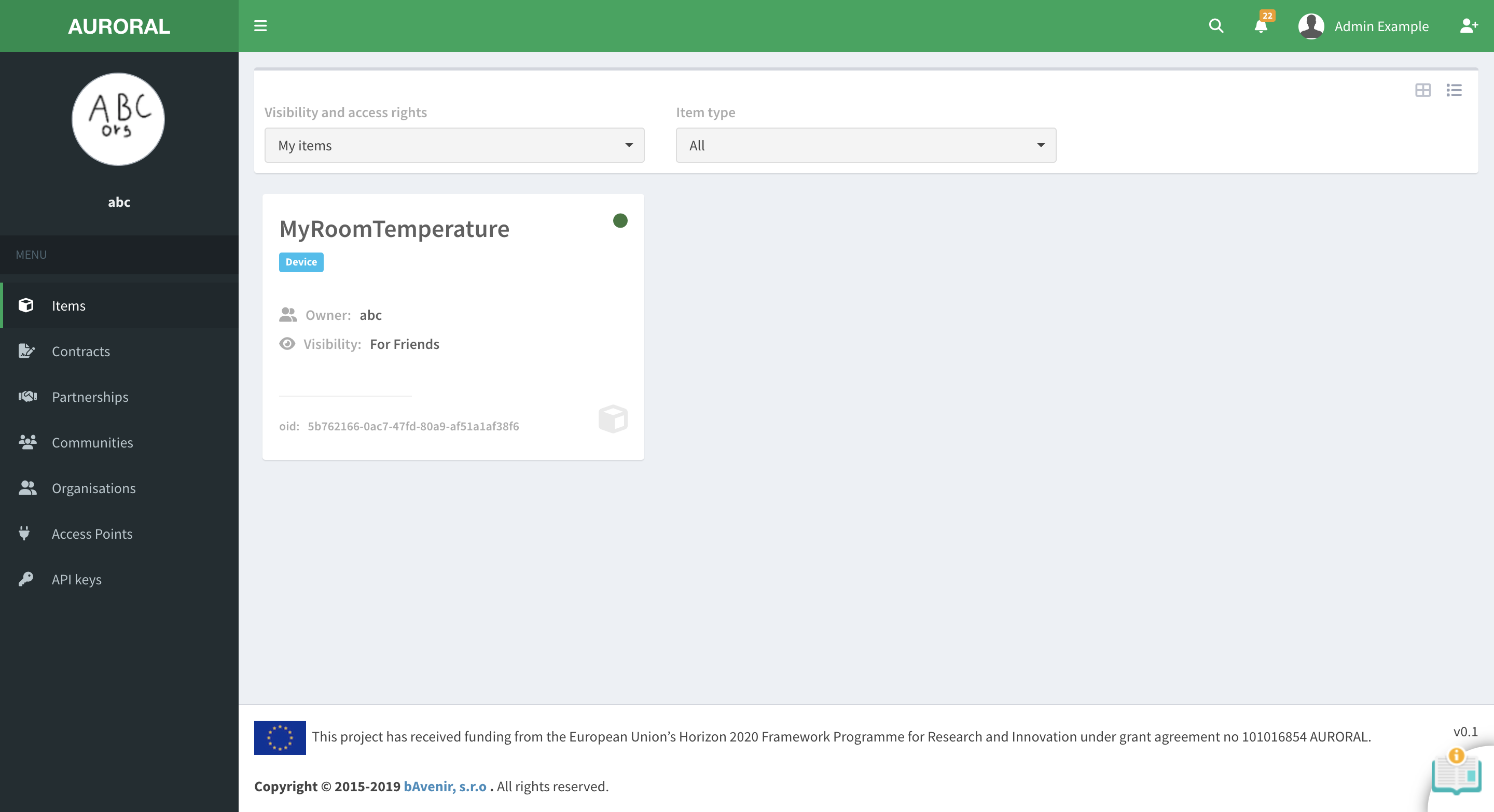
To change the visibility level of the item you will have to open the items section, find your item in a list and open the item profile page by clicking on more info button:
Button to change the visibility level can be found in a card with details on the left:
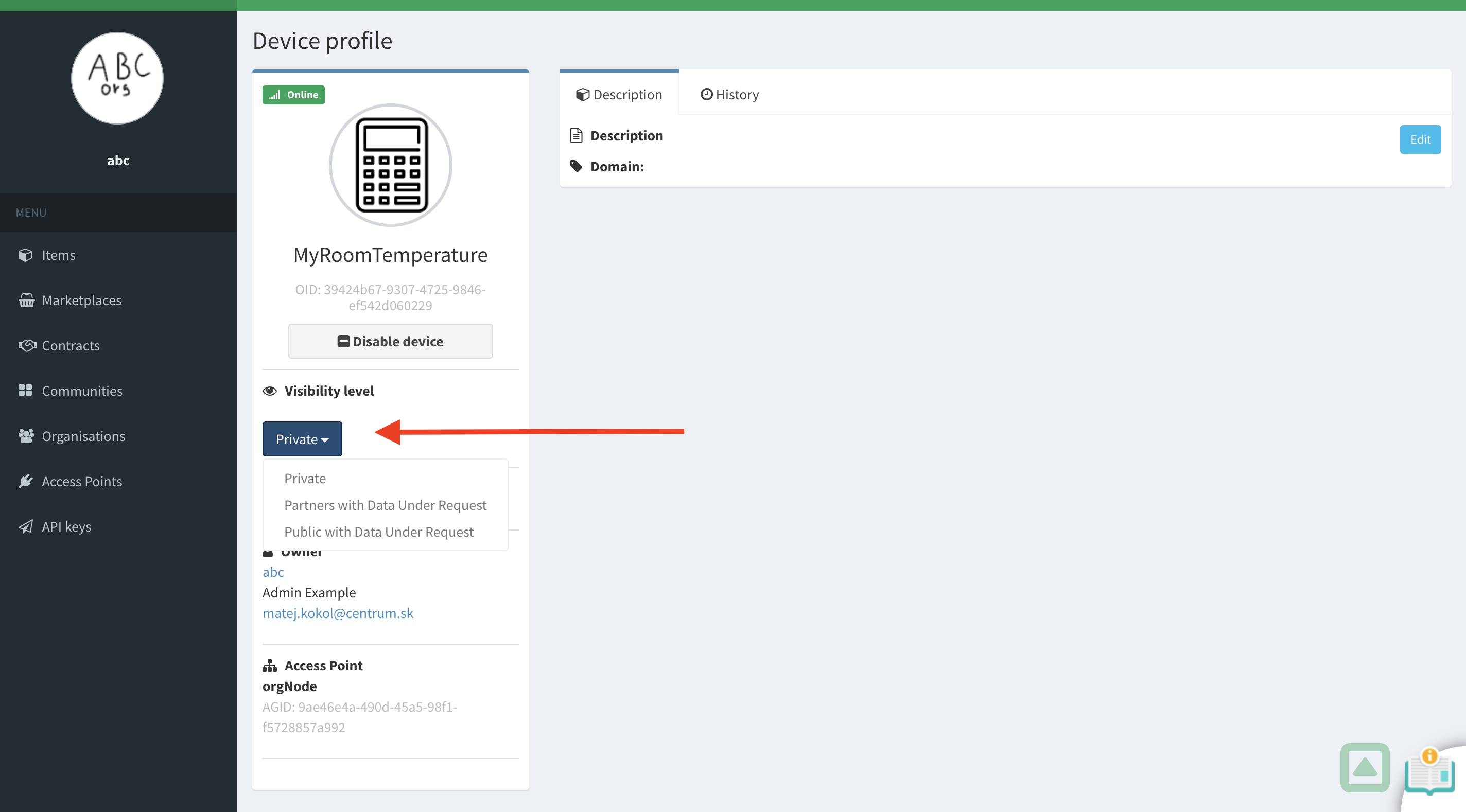
Missing visibility level options?
Please check if visibility level of your profile is set to be higher than the visibility level you are trying to set for the item.
Change visibility of your profile
Item ownership required
Only owner of the item can change it's visibility level. To learn how to claim the ownership please refer to Item ownership section.
To change the visibility level of your profile you will have to open the organisation profile section:
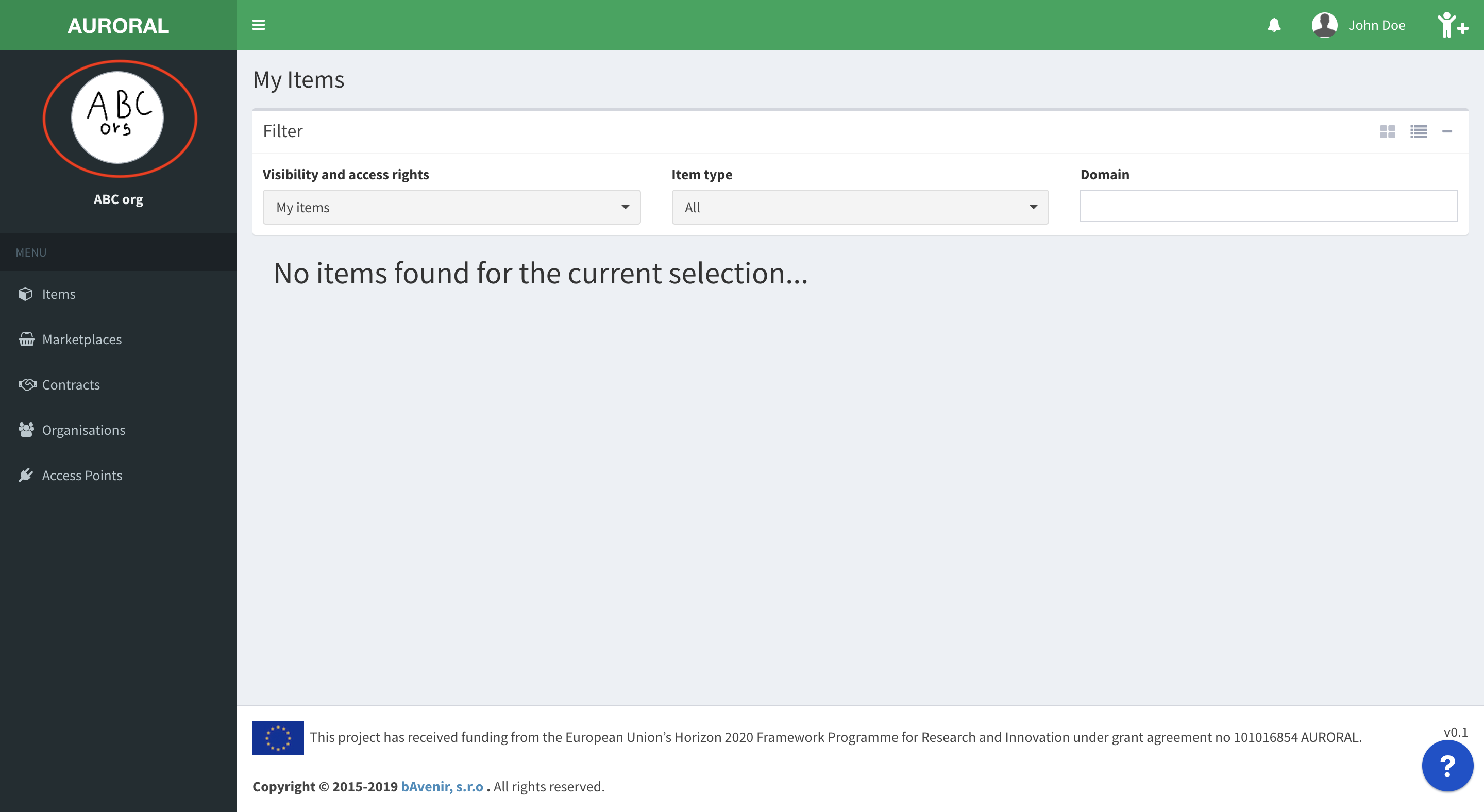
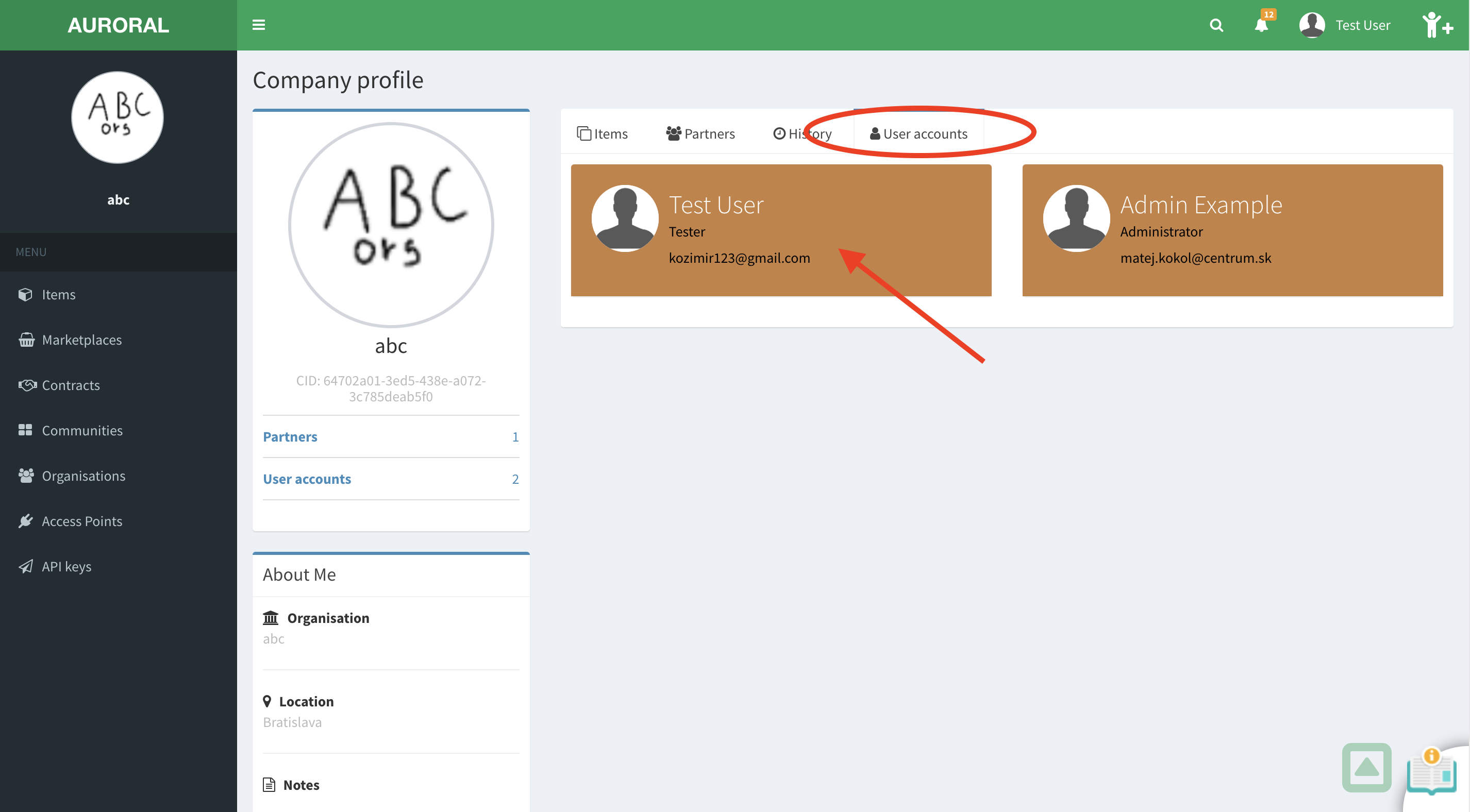
Here you will have to open a User accounts tab and select your profile:
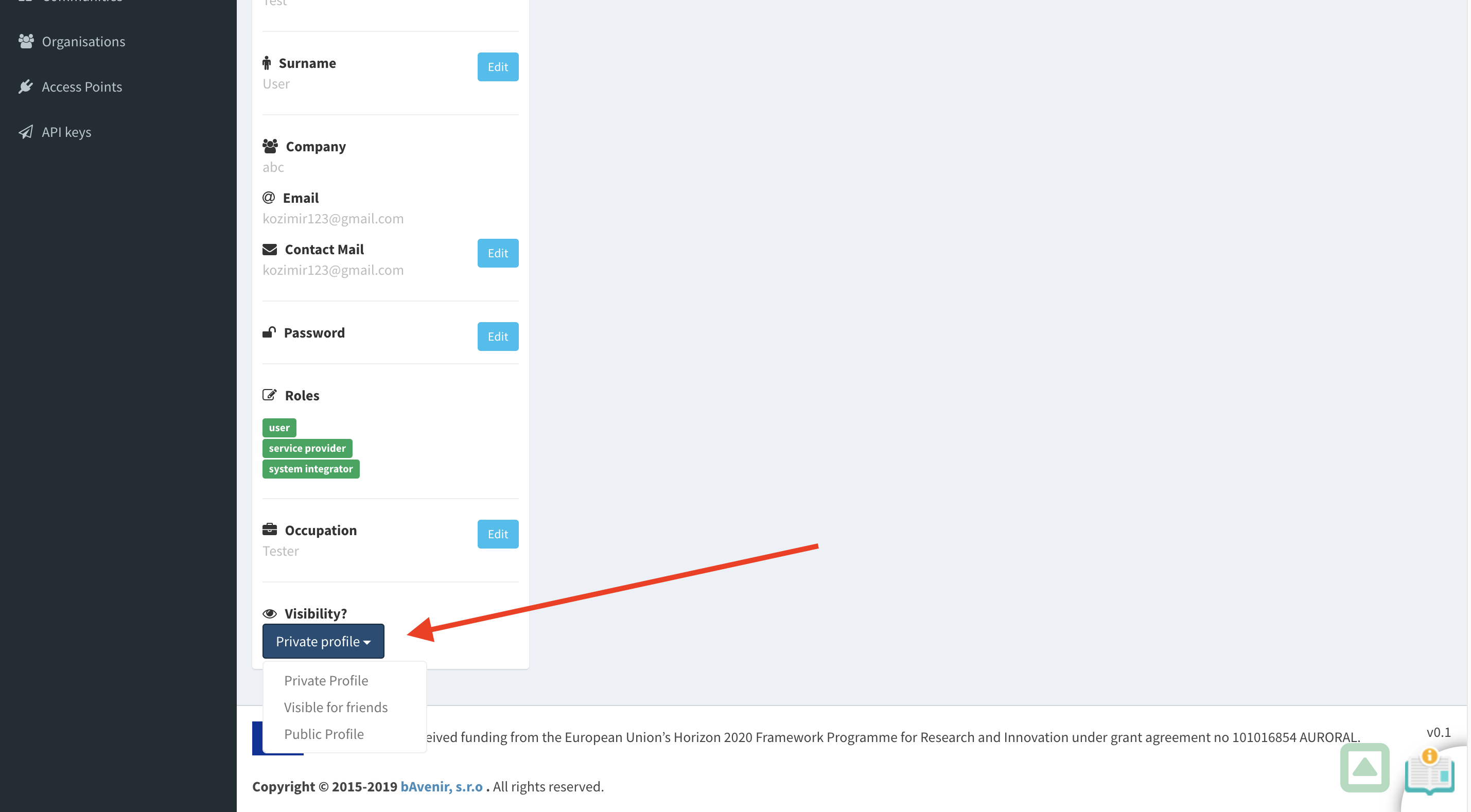
Button to change the visibility level can be found in a card with details on the left bottom: